About LUIDA
A framework for designing, running, and analyzing VR experiments end-to-end. Each component's role and the screens you'll touch in the Web Console and Unity template, in one page. (The metaverse platform LUIDA currently targets is Cluster.)
LUIDA is a metaverse-based framework that lets you run a VR experiment end-to-end, from participant recruitment through data analysis. It currently runs on Cluster.
System overview
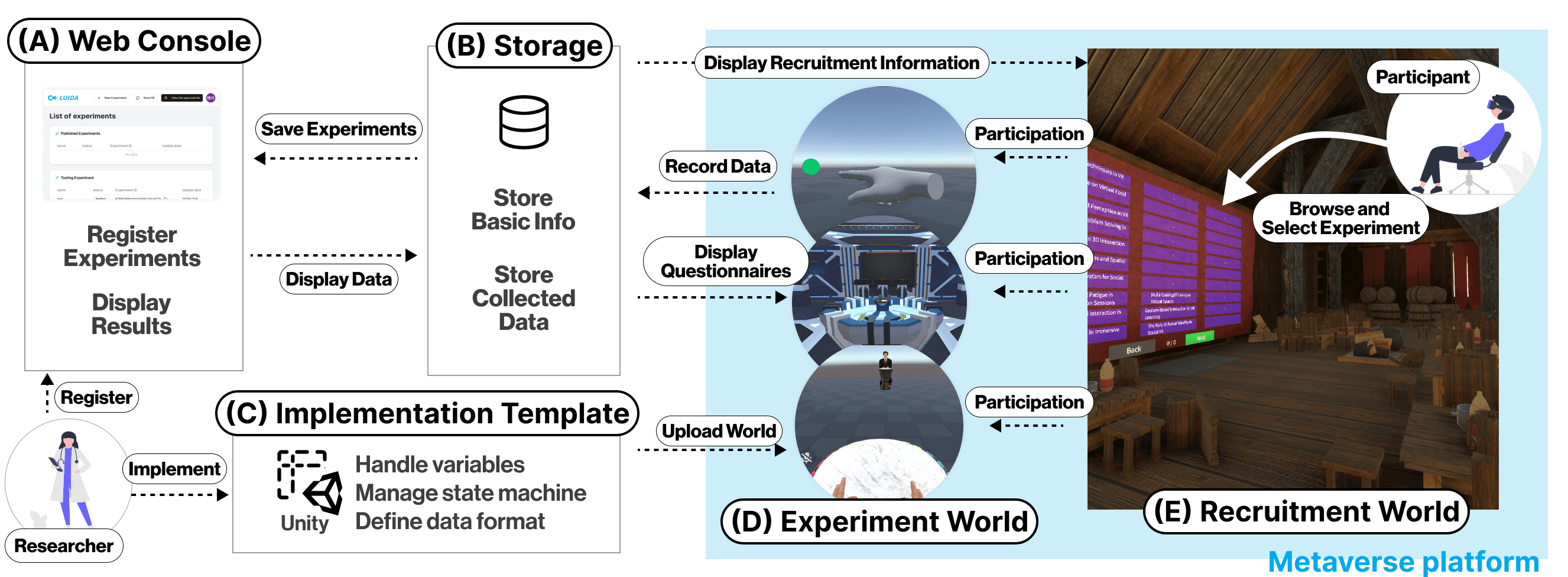
- Recruitment World: a Cluster world that hosts a public bulletin board of LUIDA experiments. Participants pick a study here to join.
- Experiment World: a private instance launched per participant, the very world you built in Unity.
- Implementation Template (Unity): the Unity project for implementing your experiment.
- Web Console: the management UI for registering experiments, designing questionnaires, and downloading data. Registered info and runtime-collected data are persisted to storage, then viewed and edited through the Web Console.
What each component does
Recruitment World
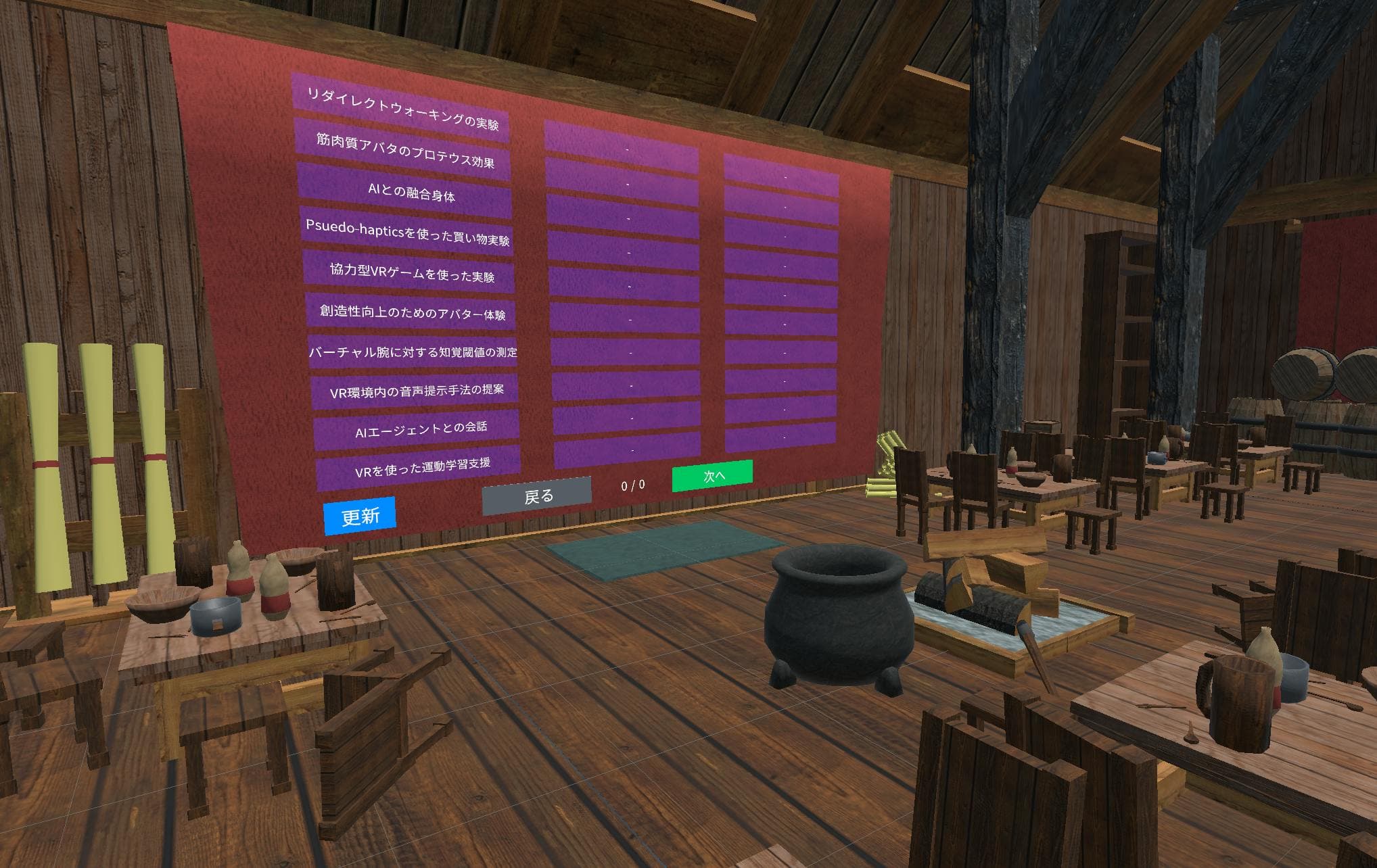
A bulletin board inside Cluster where every published experiment shows up as a tile. Participants pick a tile, walk through the consent form, and are deep-linked into the experiment world. Experiments appear here automatically on the next day after you switch their status to PUBLISHED in the Web Console.
Experiment World
The private per-participant instances of your world. Multiple participants joining at once spawn parallel instances, each running independently. That is how LUIDA reaches a data-collection scale a one-to-one lab session can't. Everything inside is driven by what you configured in the Implementation Template.
Web Console
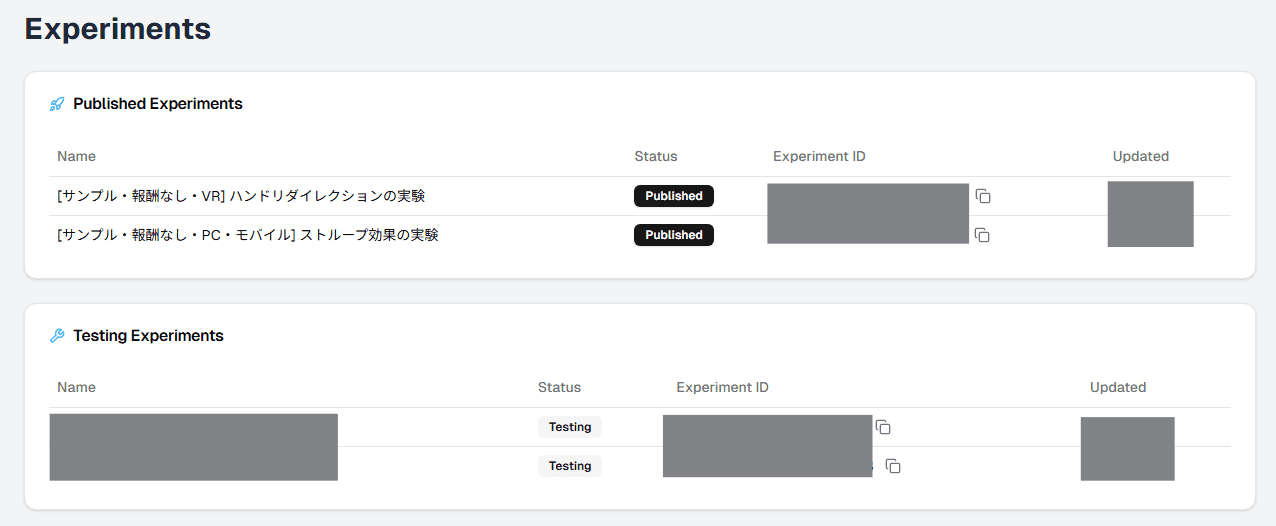
A management UI at luida.cluster.mu/experiments. Register experiments, design questionnaires, and download data, all from here.
Existing experiments are listed on the home page, and the + New Experiment button in the top-right registers a new one.
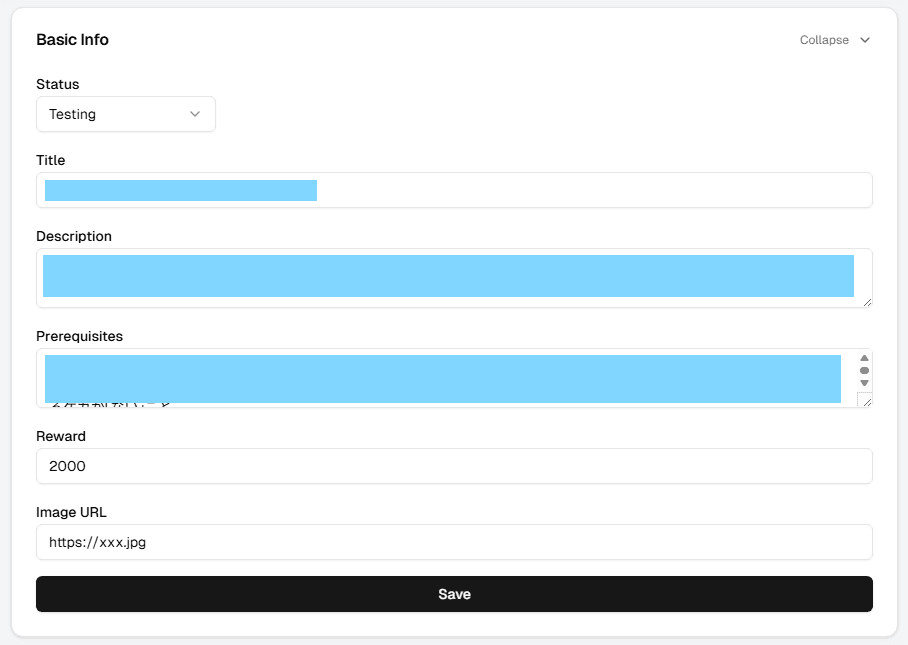
Each experiment has its own detail page at /experiments/<eID>, where you edit the basic info, world settings, consent form, and other study materials. See Creating an experiment for the full field-by-field walkthrough.
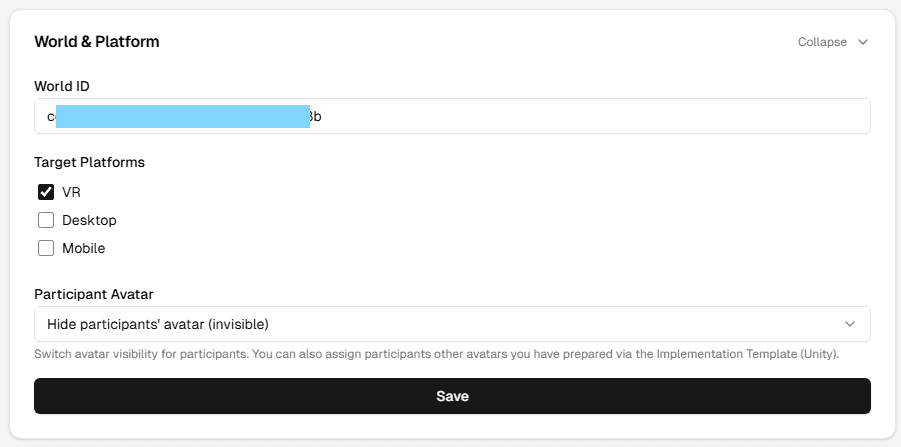
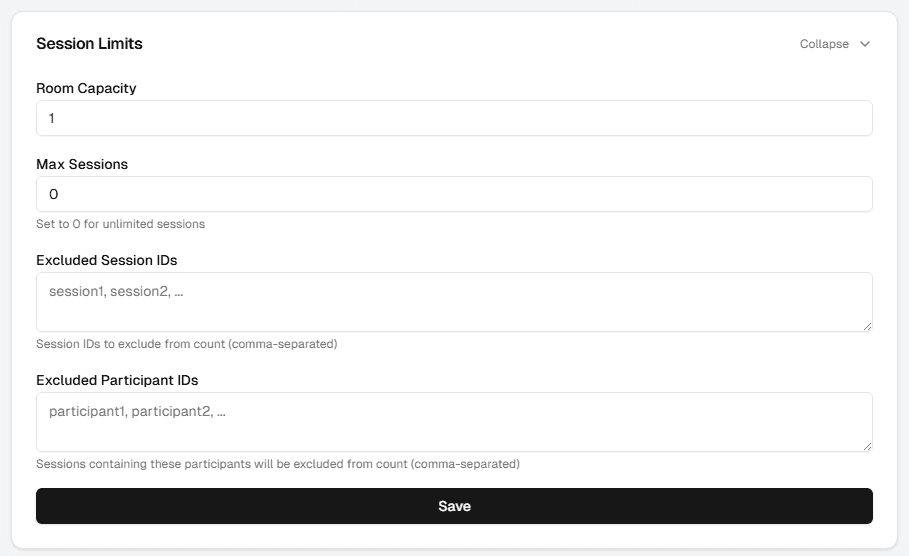
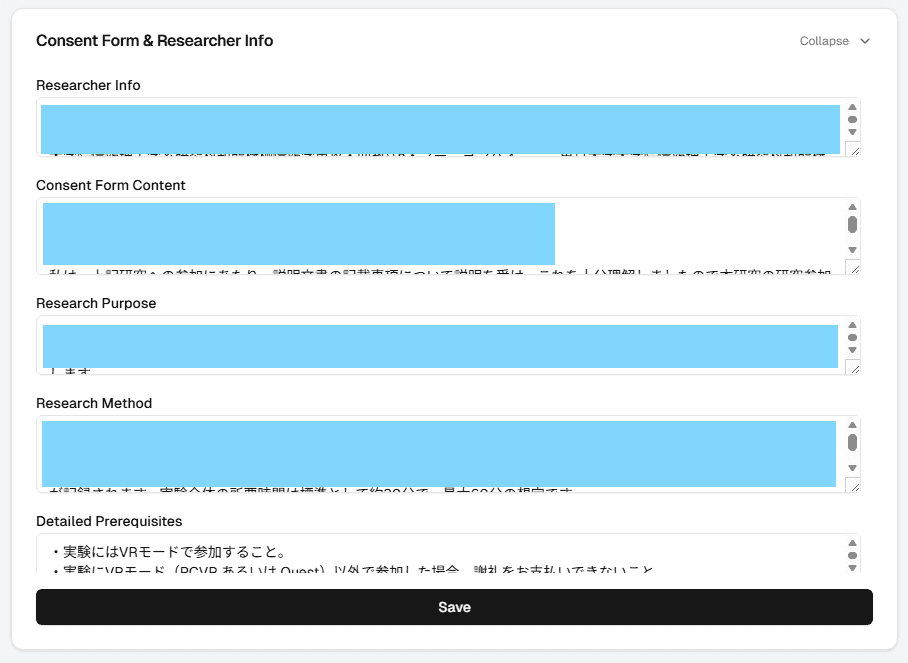
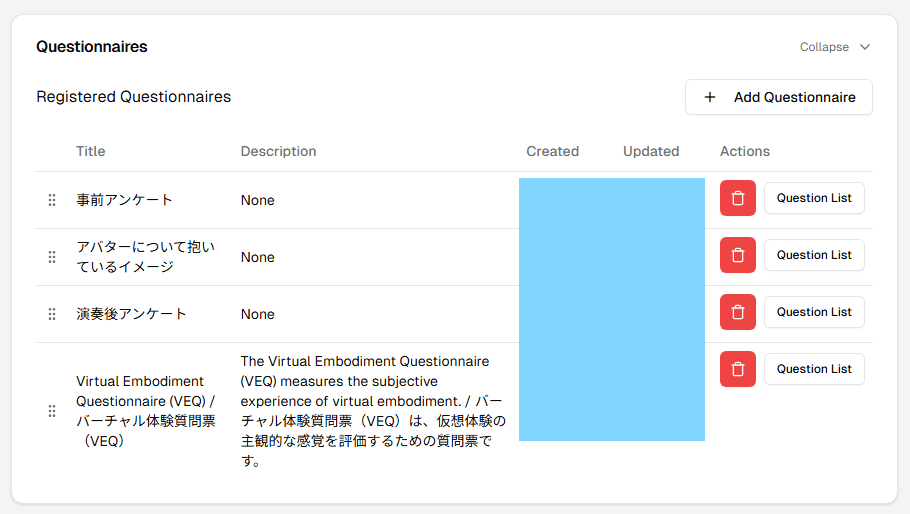
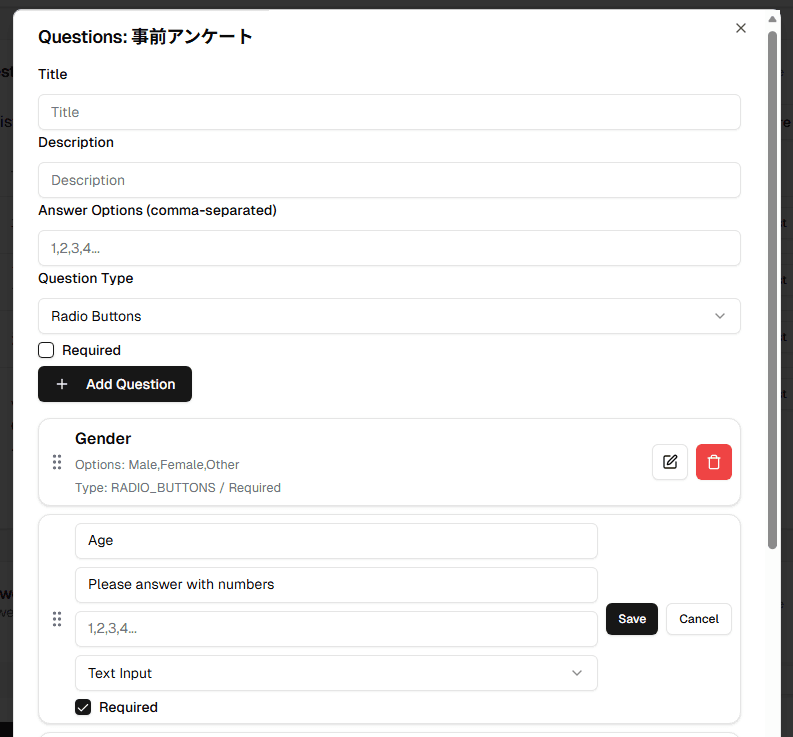
You can build and edit questionnaires per experiment. See Building questionnaires for the full walkthrough.
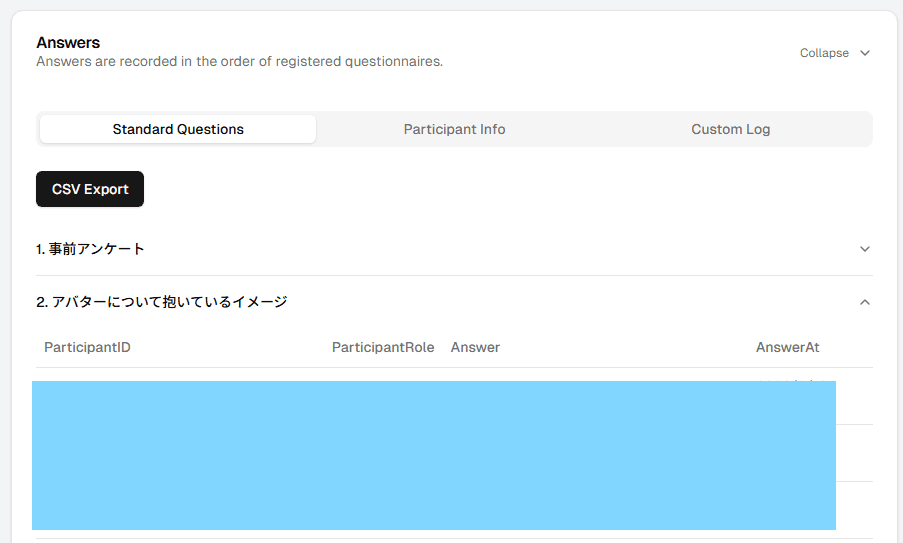
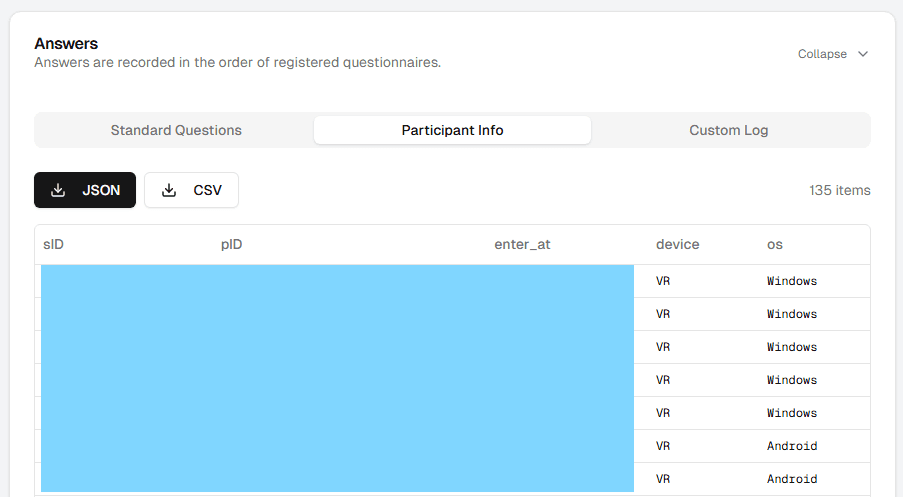
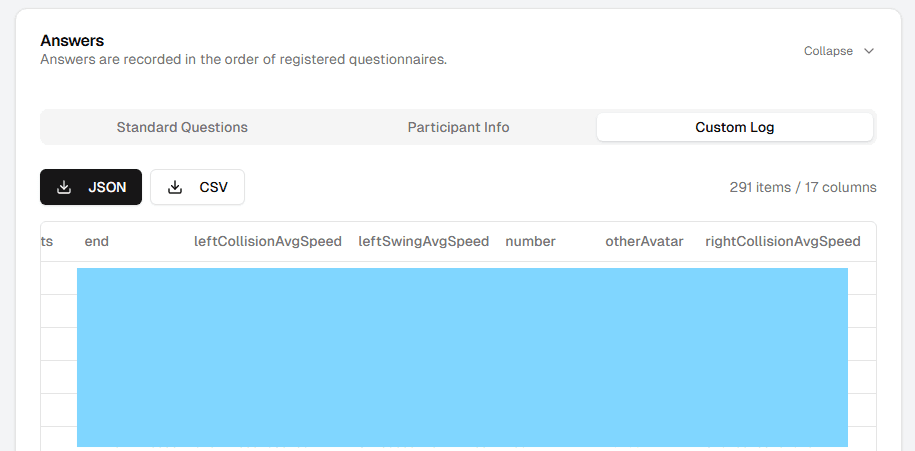
You can review collected data in the browser and download it as CSV or JSON. See Downloading data for the full walkthrough.
Unity Implementation Template
A Unity 6000.2.6f2 project template that researchers take as the starting point for building their experiments.
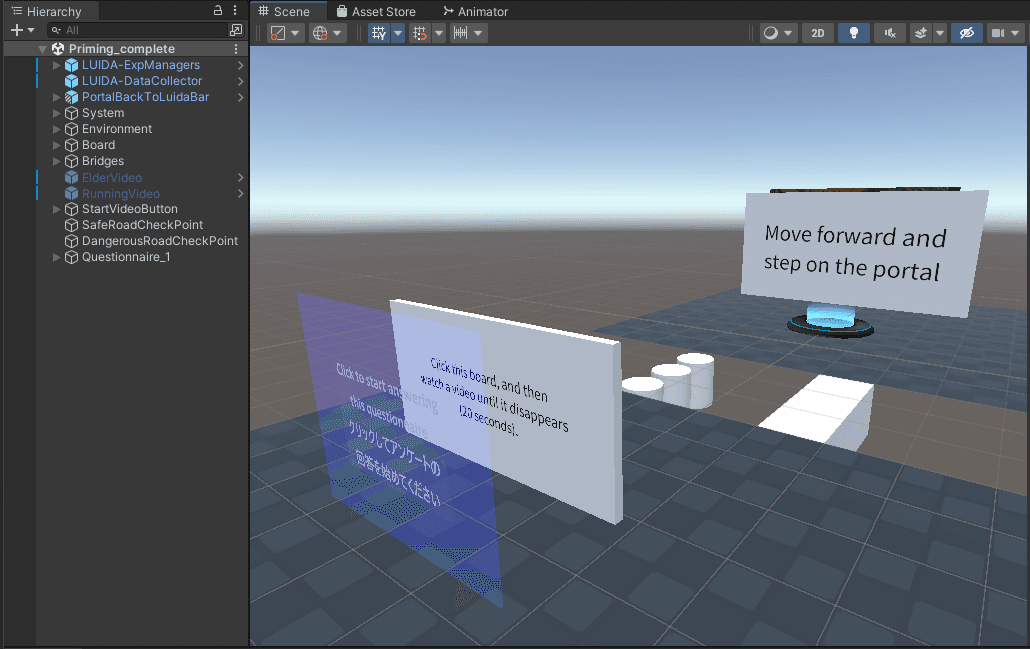
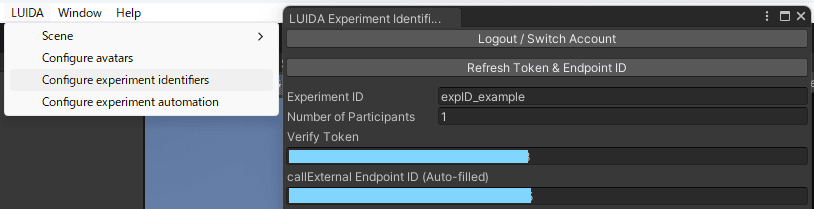
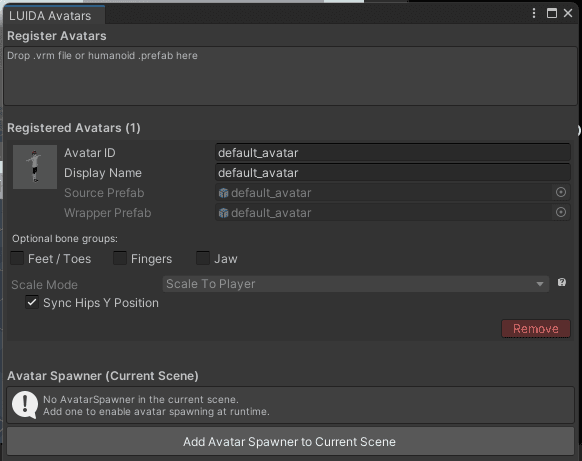
If you're already comfortable with the Cluster Creator Kit (CCK) and Cluster Script, you can build a study by combining them with LUIDA's extensions: the questionnaire prefabs and the data-collection components (Trigger Save and Process, Upload Custom Data, and friends).
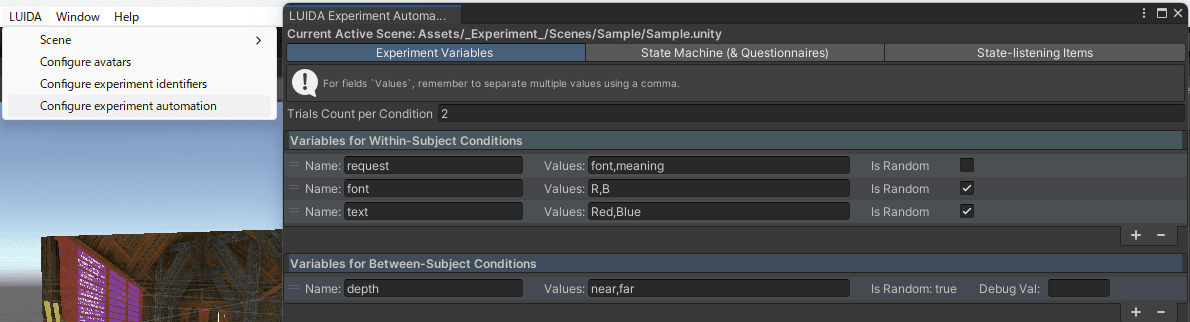
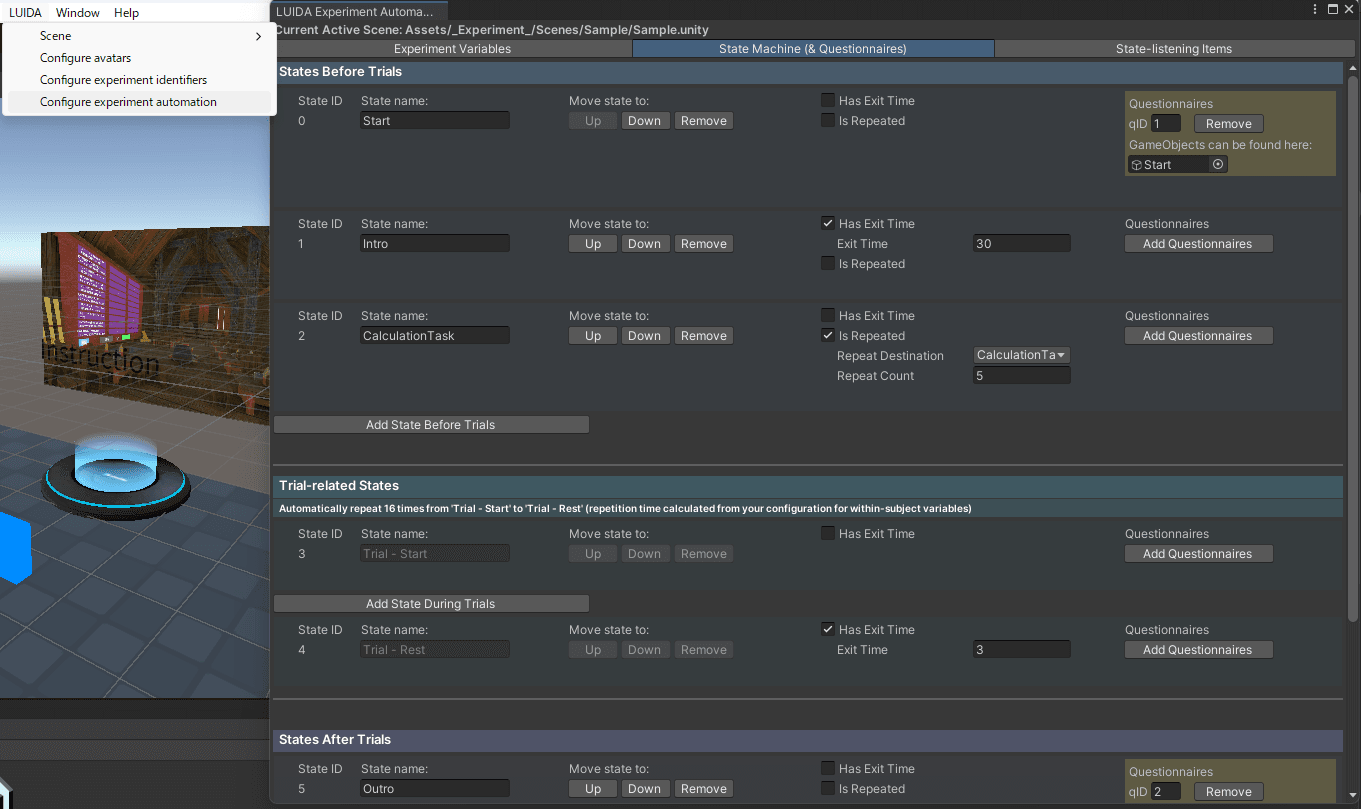
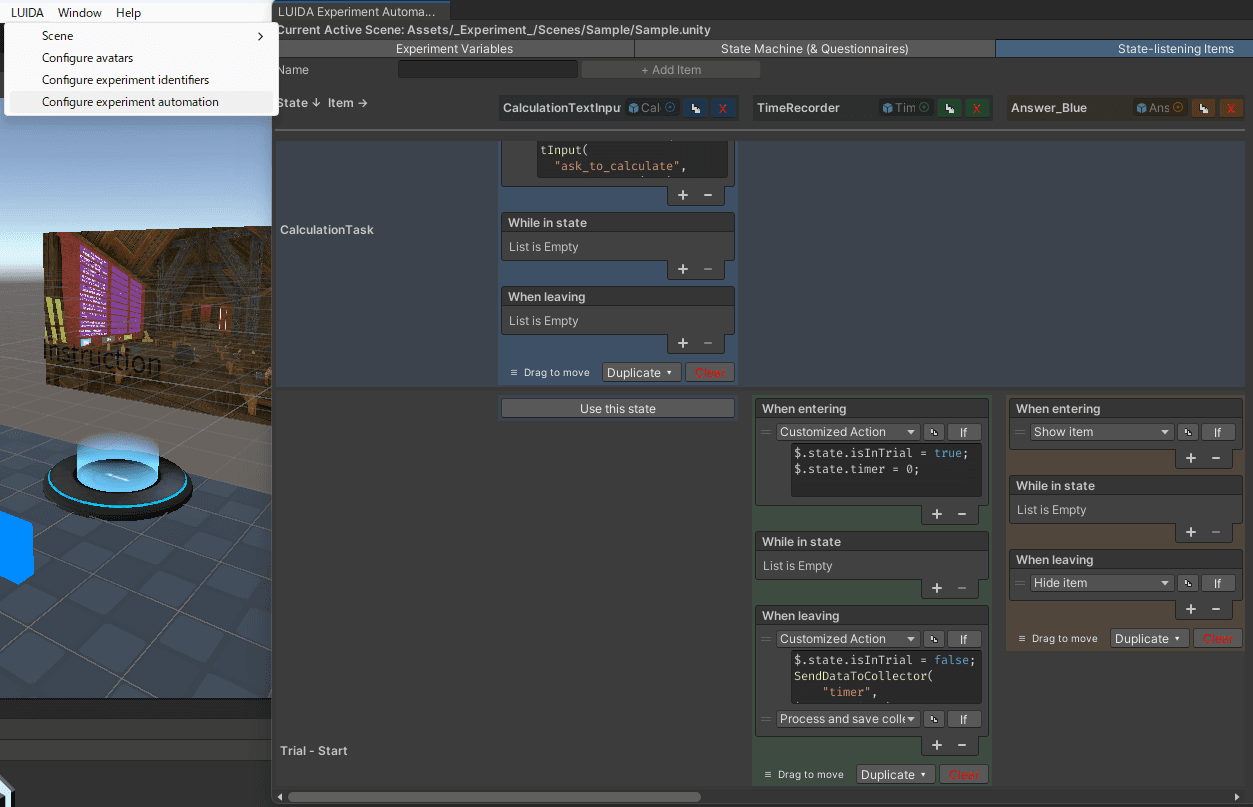
You can also enable Configure experiment automation to pre-define independent variables, the experiment flow (trial order and loops), and how each item behaves during each phase, all from the editor, with little to no CCK or Cluster Script involved. See the editor windows reference for the details.
What's next
If you're learning LUIDA for the first time, read in roughly this order:
- A researcher's LUIDA workflow: an overview of how a study using LUIDA runs, from idea to data export.
- Setup: install Unity, the template, and optionally CSEmulator, then connect to your Web Console experiment.
- Tutorials: build an experiment from scratch with LUIDA.
- (Only when you need it) Reference: every action, signal, and API dispatch type.